






Agentic AP Automation Software for QuickBooks
Automate invoice capture, approvals, and bill posting in QuickBooks Online. No manual data entry, no CSV uploads, and no changes to how you run your books.
- Process invoices in seconds, not minutes
- Go live in just 2-4 weeks
- ISO 27001 certified and SOC 2® Examined
Trusted by Hundreds of Finance Teams
DOKKA processes over 2 million financial documents every month for finance teams worldwide, across every industry.
Meet DOKKA, Your Trusted QuickBooks AP Automation Partner
AP Automation Features Built for Speed, Accuracy, and Control
DOKKA combines AI-powered invoice processing with a native QuickBooks integration to automate accounts payable end to end, without changing how you use QuickBooks.
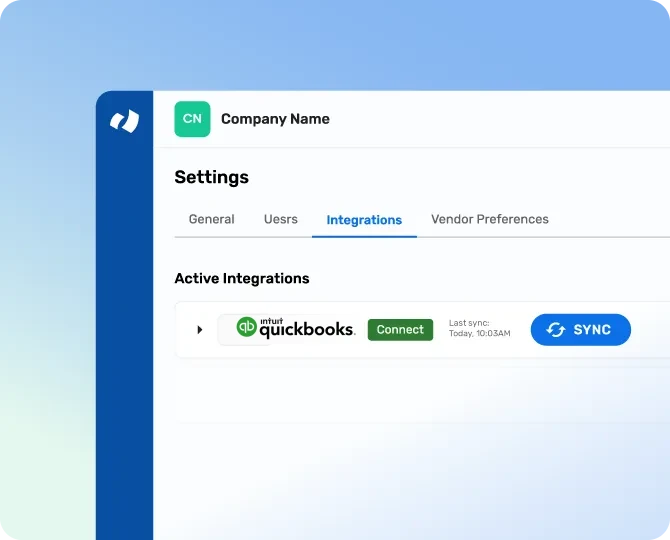
Native QuickBooks Integration
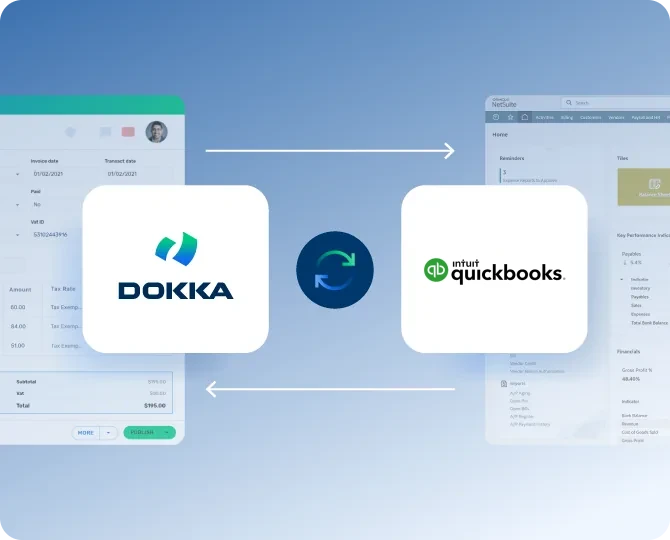
A real-time, two-way sync keeps DOKKA and QuickBooks aligned at all times.
- Sync vendors, chart of accounts, classes, and locations automatically
- Works with your existing QuickBooks workflows, no disruption
- Supports multiple QuickBooks company files and multi-currency setups
- No CSV imports, scripts, or IT support required
AI-Powered Invoice Capture for QuickBooks
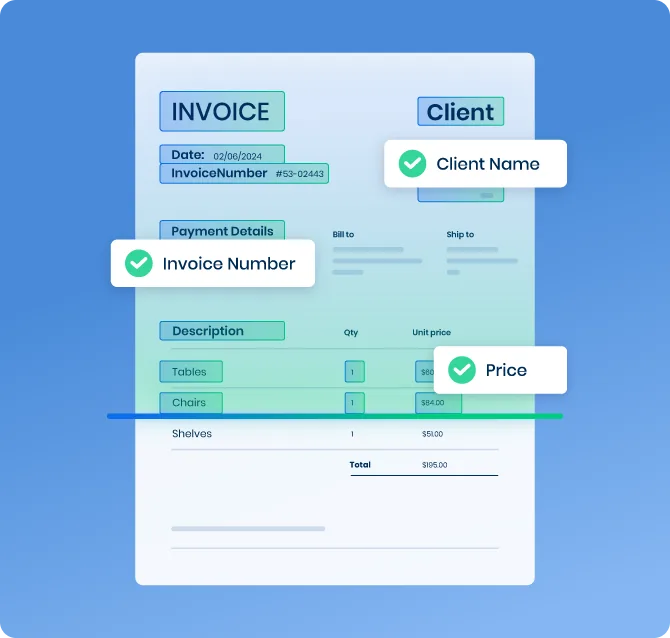
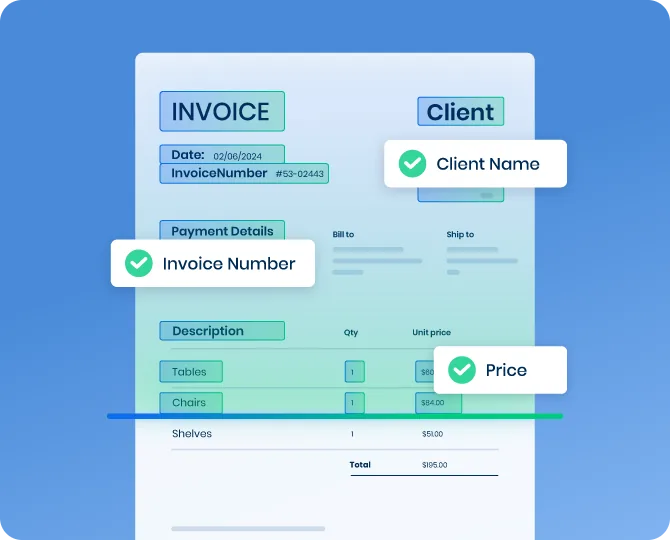
Turn invoices in any format, layout, or language into QuickBooks-ready bills.
- Capture invoices from email, PDF, or uploads
- Process invoices in seconds instead of minutes
- Eliminate manual bill entry in QuickBooks
- Read invoices accurately in any language
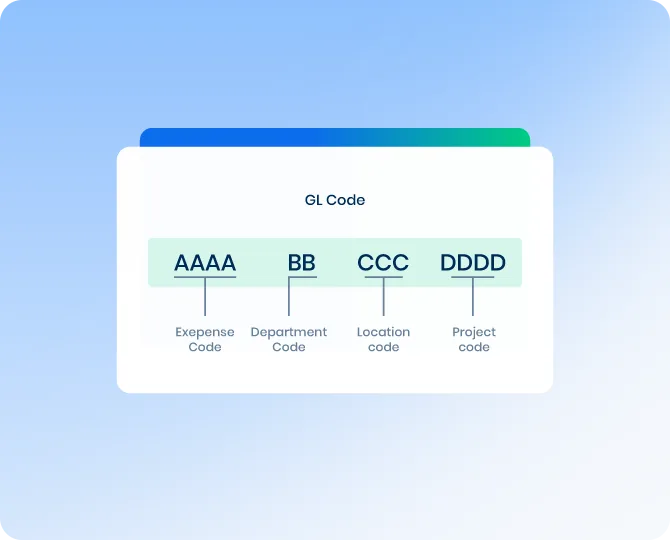
Automated GL Coding & Classification
Reduce manual coding with intelligent, AI-driven suggestions.
- Suggest accounts, classes, and locations from vendor history
- Keep coding consistent across QuickBooks company files
- Reduce miscoded bills and month-end reclasses
- Get journal entry recommendations in seconds
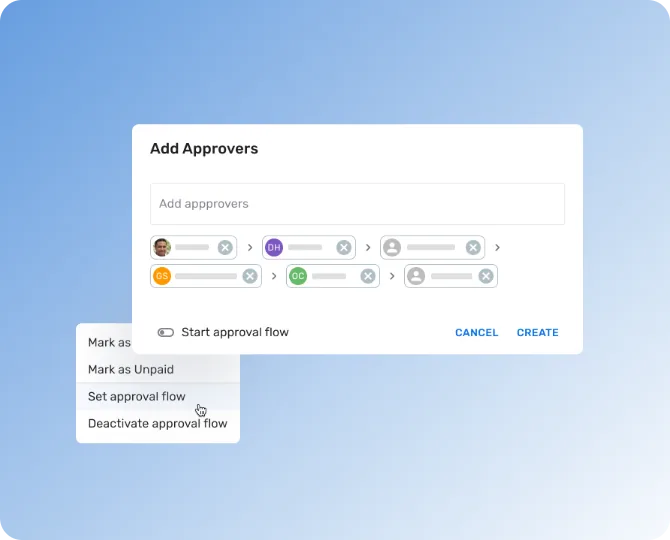
QuickBooks Approval Workflow Automation
Replace email-chain approvals with automated, multi-level workflows that work on any QuickBooks plan.
- Route invoices by vendor, amount, or department
- Automated reminders and AI-suggested approvers
- Approved bills sync to QuickBooks as ready to pay
- Full visibility into approval status
Real-Time QuickBooks Synchronization
Keep bills, approvals, and payment data aligned across both systems.
- Push approved invoices to QuickBooks as vendor bills
- Sync payment status back into DOKKA automatically
- Attach the original invoice to every QuickBooks bill
- Keep QuickBooks as your single source of truth
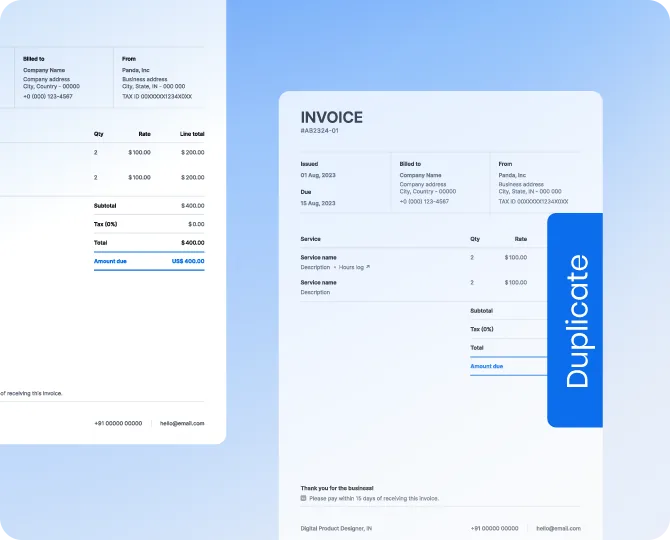
Duplicate Detection & Validation
Stop duplicate invoices and incorrect bills before they reach QuickBooks.
- Identify duplicate vendors and invoices automatically
- Validate data before posting to QuickBooks
- Reduce financial risk and rework
- Improve audit readiness
PO Matching (2-Way & 3-Way Matching)
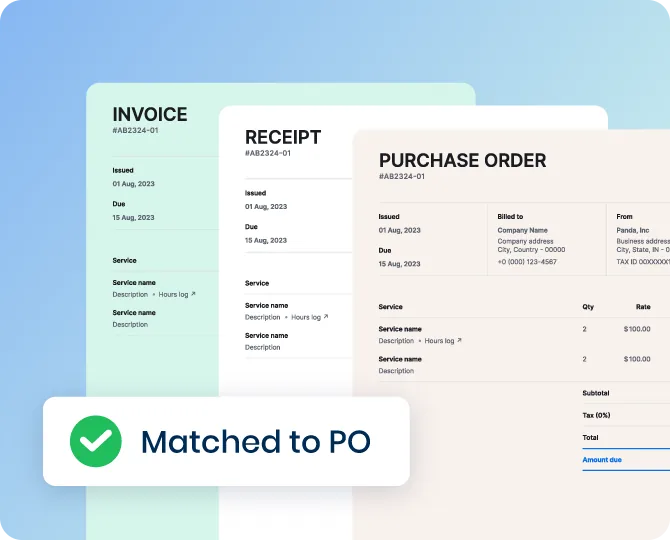
Validate invoices against QuickBooks purchase orders automatically.
- Sync open POs, line items, and receipts from QuickBooks
- Support 2-way and 3-way matching
- Flag price and quantity discrepancies automatically
- Reduce manual validation effort
Fast Implementation & Time to Value
Deploy quickly and start automating AP in QuickBooks without disruption.
- Go live in 2-4 weeks
- No heavy IT involvement required
- Built for lean, growing finance teams
- Includes onboarding and training
How QuickBooks AP Automation Works in DOKKA

Vendor & Accounting Data Sync
Vendors, chart of accounts, classes, and locations are continuously synced from QuickBooks into DOKKA.

Procurement & PO Matching
Purchase orders, line items, and receipts are imported from QuickBooks to support accurate 2-way and 3-way matching.

Custom Fields & Company Files
Classes, locations, and custom fields are mapped automatically, across one or many QuickBooks company files.
Invoice Workflow
- 1Invoices are captured and processed in DOKKA
- 2GL coding and approvals are completed automatically
- 3Approved invoices are pushed to QuickBooks as vendor bills
- 4Payment status updates are synced back to DOKKA
Seamless QuickBooks Data Sync for AP Automation Workflows
DOKKA is built for growing QuickBooks environments, including multiple company files, class and location tracking, and high invoice volumes.


QuickBooks Native vs QuickBooks + DOKKA
| QuickBooks Native | QuickBooks + DOKKA | |
|---|---|---|
| Invoice capture | Basic or manual entry | AI-automated |
| GL coding | Manual | AI-suggested |
| Approvals | Limited, plan-dependent | Multi-level and dynamic |
| PO matching | Manual | 2-way and 3-way |
| Duplicate detection | Limited | Automated |
| Processing speed | Minutes | Seconds |
| Visibility | Limited | Real-time |
Real Results from Finance Teams Using DOKKA
Finance teams rely on DOKKA to automate invoice processing and approvals at scale.
“DOKKA basically became another employee. But it’s a lot cheaper than a salary, that’s the benefit.”
Jarred Abelson, CFO at Weinprop Residential
“We’re all about saving time, so DOKKA allows me to save time on repetitive work and focus more on high level areas.”
Shlomi Birukov,
Staff Accountant at Firebolt
Rochelle Wu,
AP Manager at Mud Bay
QuickBooks AP Automation FAQs
QuickBooks AP automation connects directly to QuickBooks and automates invoice capture, GL coding, approvals, and bill posting, while keeping QuickBooks as your system of record.
No. DOKKA works alongside QuickBooks, automating accounts payable while QuickBooks remains your accounting system and source of truth.
DOKKA connects directly to QuickBooks through a native two-way sync. Vendors, chart of accounts, classes, locations, POs, and receipts are pulled in automatically. Invoices processed in DOKKA are pushed into QuickBooks as vendor bills, and payment updates flow back in real time.
No. The integration is fully automated. Vendor bills, approvals, and payment statuses move between the two systems without CSV uploads or duplicate data entry.
Yes. Many finance teams run multiple QuickBooks company files across entities or regions. DOKKA automates AP across all of them from one workspace.
Yes. DOKKA pulls in purchase orders, line items, and receipts from QuickBooks to support 2-way and 3-way invoice matching, reducing errors and overpayments.
Most QuickBooks teams go live within 2-4 weeks, with onboarding and training included. No custom scripts or IT projects are required.
QuickBooks provides core bill management, and some plans include basic bill capture and approval features. Growing teams typically add a dedicated tool like DOKKA to automate invoice capture, coding, multi-level approvals, and PO matching at scale.
The best fit depends on your invoice volume and complexity. Leading tools like DOKKA focus on AI-driven automation and a native QuickBooks integration. See our guide to the best AP automation tools for QuickBooks Online.
Augment QuickBooks with DOKKA's AP Automation
DOKKA gives you the power of AI-driven QuickBooks AP automation, without disrupting your workflows or replacing your accounting system.