From delayed responses to lost communication threads, relying on email for invoice approvals more often than not leads to inefficiencies and a lack of transparency.
Email-based invoice approvals feel familiar, yet they are no longer manageable or scalable for modern AP teams. In fact, the single most common pain point is the reliance on Outlook or Gmail for invoice approval routing.
Finance teams often face the same issues:
“We can’t get invoices approved on time.”
“We don’t know who’s holding things up.”
“Too many PDFs flying around. Too many versions.”
“Approvers ignore the emails until we chase them.”
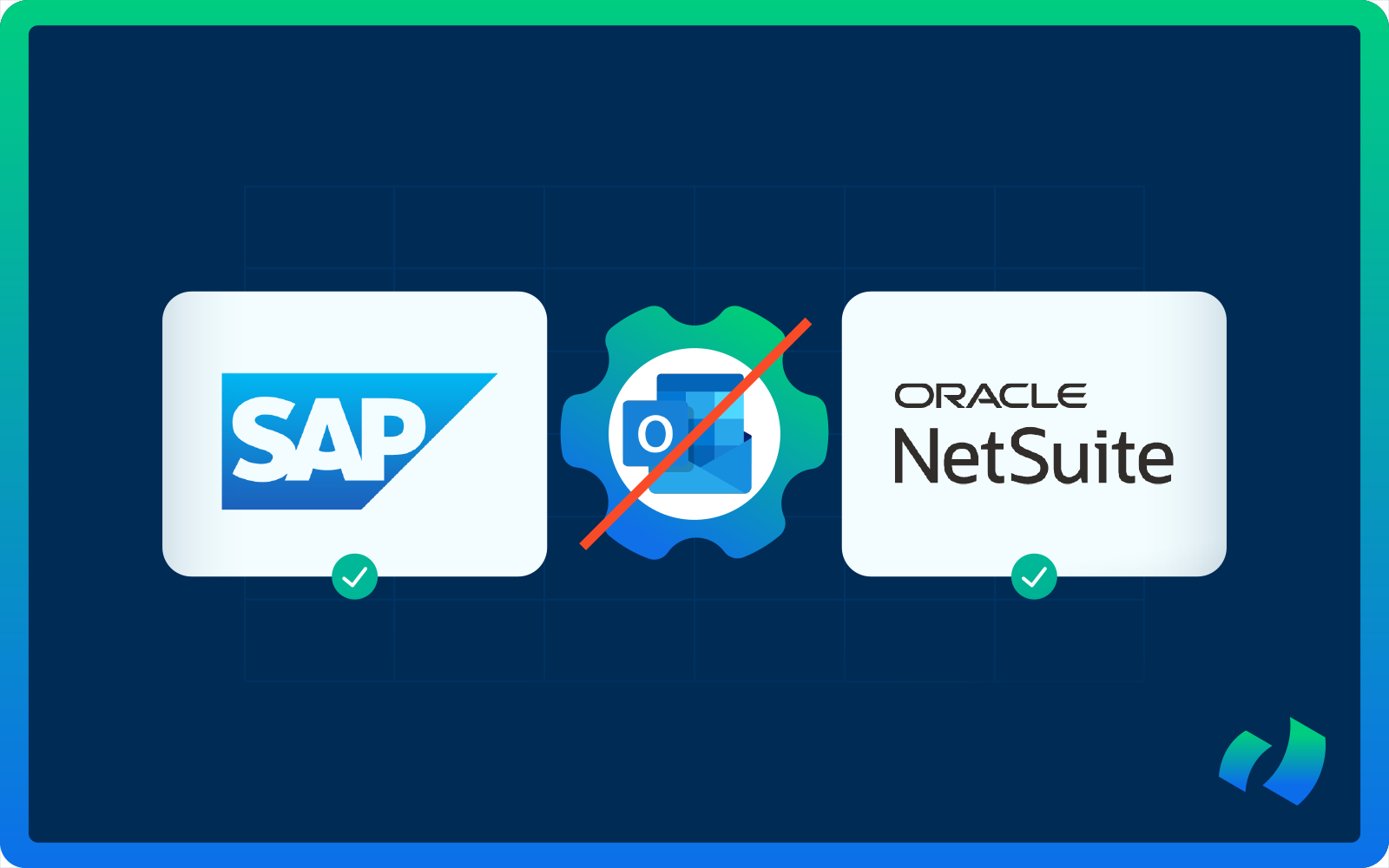
And when you’re running SAP or NetSuite, the disconnect between email and your ERP becomes even more obvious. The ERP is clean, structured, and auditable. Emails are not.
In today’s post we will explain in detail why email-based approvals are slowing your company down and exactly how organizations eliminate the problem using DOKKA, an intelligent invoice approval software built for SAP and NetSuite users.
5 Reasons Why Email-Based Invoice Approvals Break Down
They might seem convenient at first, but they quickly reveal their limitations as businesses grow. Understanding why email-based processes fail is the first step toward streamlining your approval workflows.
Below are the 5 real-world reasons finance teams struggle with email approvals, along with an explanation of why these issues intensify as you scale, onboard new vendors, or expand entities.
1) Approvals vanish inside inboxes
Invoices arrive via email with attachments, long threads, CCs, and forwards. Approvers often see them alongside dozens or hundreds of other messages. They might open them later or intend to return, but the invoice gets buried.
In SAP or NetSuite, no part of the thread is visible, and AP teams must send reminders manually or escalate.
A workflow ends up being entirely dependent on individual behavior instead of a controlled system.
2) No single view of the approval status
With email, no one can answer the simple questions:
- Who has approved so far?
- Who is next in line?
- How long has it been pending?
- Is it waiting for someone who is out of office?
- Has someone approved a different version of the invoice?
SAP and NetSuite cannot read email threads, so AP teams stitch together information from multiple places, creating unnecessary delays and uncertainty.
3) Inconsistent or unclear audit trails
Auditors typically want to see:
- the invoice
- the approval
- the invoice version approved
- timestamps
- who approved and when
- supporting documents
- PO, GRN, and matching information
Email chains rarely provide this in a consistent manner. Forwarded emails, side-channel approvals, missing attachments, and informal approvals such as “looks good to me” all add to the disorder.
Many accountants end up manually recreating evidence after the fact, which undermines financial controls.
4) AP staff waste time chasing approvals
AP teams spend more time:
- nudging approvers
- forwarding PDFs
- answering “Can you resend that to me?”
- clarifying details
- chasing sign-offs
…than doing actual financial work.
The process feels inefficient because it is inefficient.
5) Multiple invoice versions and mismatched data
Invoices move through email, shared drives, personal folders, the ERP, and sometimes even screenshots or mobile photos.
This results in discrepancies:
- wrong amounts
- outdated versions
- incorrect coding
- missing documentation
- approvals tied to the wrong file
When the version that was approved is not the version posted in SAP or NetSuite, compliance breaks.
The Solution: A Centralized, Automated Approval Workflow
The cure for email chaos is straightforward and requires a single system that:
- receives the invoice
- extracts the data
- routes it automatically
- records every approval action
- syncs the final record into SAP or NetSuite
Exactly such an approach is already used by thousands of finance teams globally through DOKKA.
How DOKKA Eliminates Email-Based Approvals for SAP & NetSuite
Let’s take a more detailed look at how DOKKA replaces email-driven workflows with structured, automated, audit-ready processes.
Invoice ingestion happens automatically, with no manual handling
Invoices can be fed into DOKKA from multiple sources:
- A vendor sends an invoice to a dedicated inbox
- AP forwards an email with the PDF
- A scanned image is uploaded
- Mobile capture is used for field teams
- Shared folder ingestion is available
DOKKA’s AI extracts line items, amounts, vendor details, and metadata instantly.
No more downloading PDFs.
No more renaming files.
No more dragging attachments into folders.
Once the invoice enters DOKKA, the workflow begins.
Intelligent workflows: the right person is assigned instantly
DOKKA automatically identifies the correct routing path based on:
- vendor
- department
- project
- PO
- entity
- GL account
- custom rules
The process replaces the tribal knowledge that often resides within AP teams or the informal email routing rules that have developed over time.
One-click approvals (with or without login)
Approvers receive a clean, secure approval page instead of a long email thread.
They can take actions such as:
- Approve
- Reject
- Comment
- Request clarification
- Add supporting documents
- Reassign
Every action is stored and timestamped. DOKKA eliminates the “lost in inboxes” issue because the approval task is isolated and prioritized, not buried in a sea of unrelated emails.
Centralized visibility and control
From DOKKA’s dashboard, AP teams can see:
- invoices awaiting review
- approval bottlenecks
- processing delays
- overdue tasks
- POs that require matching
- exceptions that need manual review
Finance managers have access to real-time, cross-entity visibility, a capability that SAP and NetSuite do not provide natively without heavy customization.
Audit trail is fully preserved and ERP-ready
For every invoice, DOKKA maintains:
- the original invoice
- extracted data
- revision history
- approval chain
- user actions
- comments or questions
- audit timestamps
- matched PO/GRN evidence
- linked documents
Maintaining this information is especially critical for companies operating across multiple jurisdictions or facing external audit requirements.
ERP sync: SAP and NetSuite stay clean and structured
Once an invoice is approved, the document, metadata, GL coding, supplier information, line items, attachments, and the approval log are all pushed directly into SAP or NetSuite.
DOKKA functions as the intelligent front end, while SAP or NetSuite remain the single source of truth.
The Real Impact: How Organizations Transform Their AP Operations With DOKKA
Email serves as a communication tool, not an approval system.
SAP and NetSuite are powerful ERPs, but without a structured front end, invoice approvals become slow, manual, and unreliable.
Companies using DOKKA report quantifiable improvements:
Time savings
- AP teams reclaim several hours per week
- Approvals reduce from days to minutes
- Controllers no longer chase approvers
Process reliability
- No more lost invoices
- All documentation is accounted for
- Email approvals are fully tracked
Scalability
- New entities onboard quickly
- Adding new approvers does not disrupt processes
- Increased invoice volume is handled without additional hiring
Control & compliance
- Clear audit trails
- Formalized approvals
- Data integrity maintained in ERP
- Enhanced spending governance
Approvers gain full visibility into context such as prior invoices, PO consumption, budget alignment and contract terms.
DOKKA replaces the fragility of email with a centralized, automated, intelligent workflow optimized specifically for SAP and NetSuite environments.
Curious to learn more about how DOKKA can transform your invoice processing? Contact our team for a demo today. We would love to demonstrate the power and efficiency of our platform.