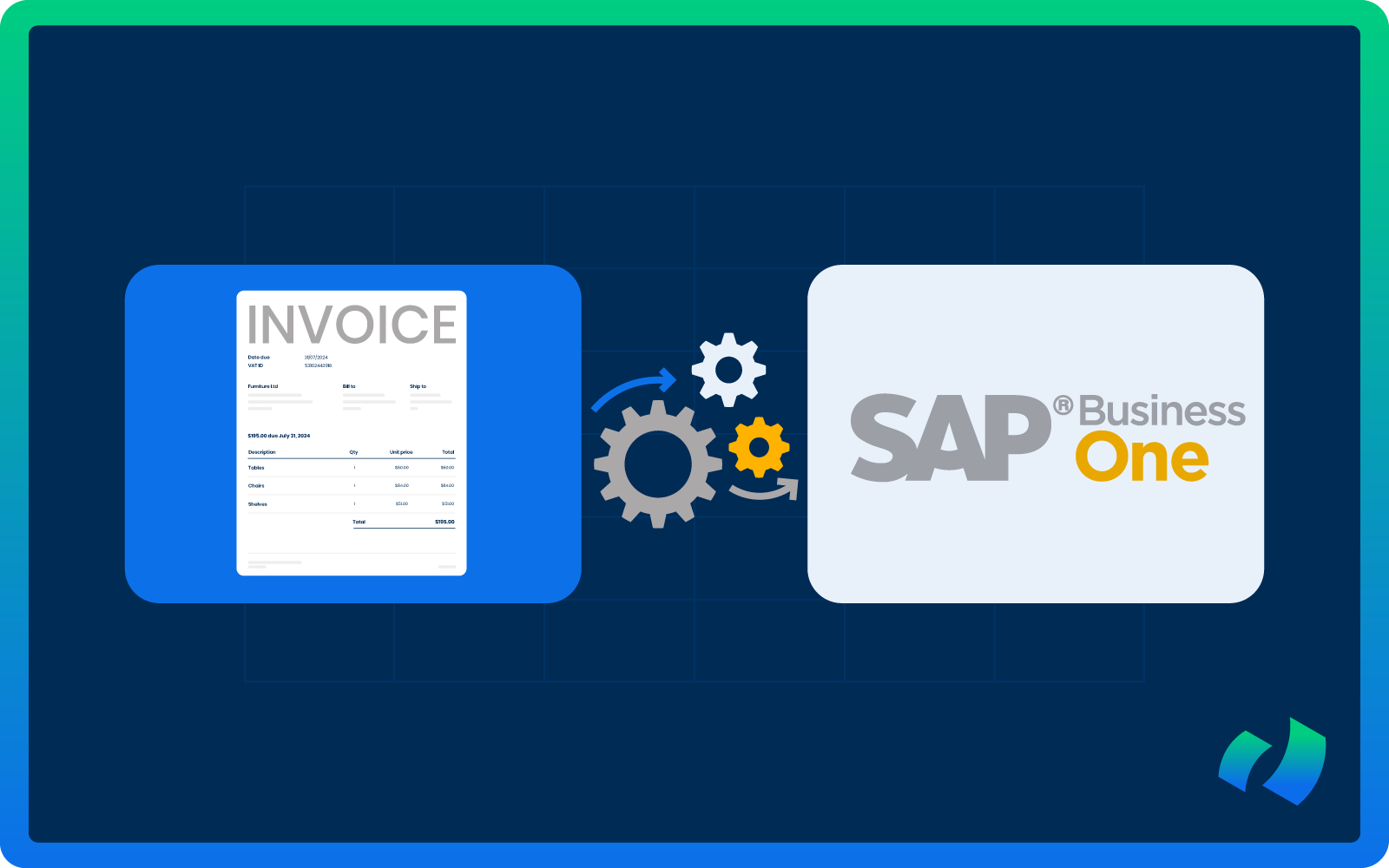
For many growing businesses running SAP Business One (SAP B1), invoice processing becomes a bottleneck long before revenue growth slows down. Accounts payable teams are buried in PDF invoices, email attachments, paper documents, manual data entry, and endless approval follow-ups.
At some point, the question inevitably comes up: Can SAP Business One automate invoice processing without custom development?
The short answer is: partially, but not fully, unless you integrate a purpose-built automation solution like DOKKA.
In this comprehensive guide, we take a closer and more practical look at what SAP B1 can truly automate right out of the box and where manual effort still quietly persists.
The guide examines how much add-ons depend on custom development, unpacks what “true” invoice automation really means beyond marketing claims, and clarifies the difference between partial digitization and fully automated accounts payable processes.
We also explore how modern solutions such as DOKKA can remove manual AP work entirely, without requiring complex custom coding or heavy IT involvement.
What SAP Business One Can Automate
SAP Business One is a robust ERP system, but it was not originally designed as a full document automation platform. While it offers some helpful features for managing invoices, much of the work still depends on manual input.
Here’s what it can handle natively:
- Manual AP Invoice Entry
SAP Business One lets you create AP invoices and link them to purchase orders, goods receipt POs, vendors, and the chart of accounts. But the invoice data must be entered manually unless an external automation system is integrated.
- Basic Approval Procedures
The system supports approval procedures based on document totals, user roles, and predefined conditions. This allows for structured approval routing, but invoice capture, validation, and reconciliation are not automated.
- Document Attachment
You can attach PDFs and other files to transactions in SAP B1. Each document still needs to be uploaded manually, as automated capture, indexing, or AI-powered recognition is not included.
- Limited Workflow Logic
Basic approval flows can be configured, but more advanced workflows (such as multi-entity routing, conditional approvals, or automated reminders) often become cumbersome and require significant manual setup.
What SAP Business One Cannot Do Natively
SAP Business One lacks many of the automation features that modern accounts payable teams rely on. Out of the box, the platform does not provide:
- Built-in OCR invoice scanning or AI-powered data extraction
- Automated email ingestion and smart vendor recognition
- Automatic GL coding suggestions
- 2-way or 3-way matching of invoices to POs and goods receipts
- Exception handling workflows or full AP inbox automation
Without third-party tools, much of the AP process remains highly manual. In practice, this means most businesses using SAP B1 still need to:
- Download invoices from email and manually enter data into SAP B1
- Match invoices to purchase orders without automation
- Route invoices for approval via email instead of through a workflow
- Attach PDFs to transactions manually
- Actively follow up on approval bottlenecks and missing information
While SAP Business One lays the groundwork for AP management, it cannot replace the human effort required to process invoices efficiently. Organizations seeking true automation need additional solutions to bridge these gaps.
Does Automating SAP Business One Require Custom Development?
One of the most common questions companies raise when exploring invoice automation is whether custom development is necessary. The honest answer depends on the approach you take. In practice, businesses usually consider one of the three paths:
Option 1: Custom Development Inside SAP B1
Some companies attempt to build custom integrations, develop OCR connections, create middleware, or customize approval workflows. While these approaches can work in theory, they come with significant challenges:
- High upfront development costs and long implementation times
- Ongoing maintenance burdens and dependency on specific developers
- Risks of incompatibility with new SAP releases
- Rules-based automation that rarely delivers true AI-powered invoice recognition
For most small and medium-sized businesses, custom development proves expensive, slow, and ultimately unsustainable.
Option 2: Traditional SAP Add-Ons
SAP-certified add-ons exist to capture invoices and streamline AP processes. Many of these require on-premise installation, extensive configuration, and ongoing IT involvement.
They often rely on template-based OCR, which struggles when invoice layouts change, meaning every new vendor format can trigger a mini IT project.
While technically not “custom development,” these add-ons can feel like one in practice.
Option 3: Cloud-Based AI Automation Platforms (No Custom Coding)
Modern AI-driven automation platforms, such as DOKKA, integrate directly with SAP Business One without any custom coding. These solutions typically:
- Connect via standard SAP integration methods or API
- Automatically ingest invoices from email
- Use AI to extract and validate invoice data
- Match invoices against purchase orders
- Route documents for approval
- Post directly into SAP B1
No coding, no templates, and no reliance on developers. This approach offers the closest solution to “true” SAP Business One invoice automation without custom development. With the right platform, businesses can eliminate manual AP work while keeping implementation simple and sustainable.
What True No-Code Automation Looks Like in SAP Business One
To illustrate what “true” no-code automation looks like, let’s walk through a real-world 5-step invoice processing flow using DOKKA as an example.
- Step: Invoice Received
- Step: AI Data Extraction
- Step: Smart Matching
- Step: Approval Workflow
- Step: Automatic Posting
Step 1: Invoice Received
When a vendor sends an invoice to the company’s AP email, DOKKA automatically captures the document. Manual downloading or file handling is no longer necessary, eliminating one of the first sources of repetitive work.
Step 2: AI Data Extraction
DOKKA’s AI then reads all relevant invoice data, including:
- Vendor name
- Invoice number, date, and due date
- Currency and line items
- VAT amounts and totals
Traditional template-based systems require configuration for each vendor, but DOKKA’s AI adapts automatically to different formats.
Step 3: Smart Matching
DOKKA intelligently recognizes the vendor in SAP Business One, matches the invoice to any open purchase orders, and flags discrepancies for review. This ensures accuracy and prevents errors before approval.
Step 4: Approval Workflow
Invoices that require approval are routed automatically to the appropriate approvers. Notifications are sent, and a full audit trail is recorded. Email chains, lost documents, and manual follow-ups are eliminated, creating a transparent and traceable process.
Step 5: Automatic Posting to SAP Business One
After approval, the invoice is posted directly into SAP B1. All extracted data is mapped correctly, and the PDF is attached automatically. No rekeying or manual intervention is required. The result is a fully automated, end-to-end workflow that saves time, reduces errors, and allows AP teams to focus on higher-value tasks.
Cost Considerations: Custom Development in SAP B1 vs. Automation Platforms
When evaluating invoice automation for SAP Business One, cost often plays a decisive role. Custom development can appear to be an attractive way to tailor the system to exact requirements, but the long-term financial and operational impact can be substantial.
Cloud-based automation platforms offer an alternative that is more predictable, scalable, and efficient.
Custom Development
Building custom solutions within SAP B1 usually involves:
- High upfront implementation costs
- Ongoing maintenance and updates
- Dependence on specific developers or IT resources
- Risks related to SAP upgrades and version compatibility
- Limited AI capabilities, often relying on rules-based logic
Cloud Automation Platforms (DOKKA)
Modern automation platforms take a different approach, aiming to reduce IT complexity and speed up deployment:
- Subscription-based pricing with predictable costs
- No coding or developer dependency required
- Rapid implementation, often in weeks rather than months
- Continuous AI improvement without extra effort
- Lower IT and maintenance burden
For most SMEs and mid-market companies, cloud-based automation platforms deliver a faster ROI and significantly reduce the hidden costs tied to custom development. Eliminating manual AP work and avoiding complex IT projects allows resources to be redirected toward more strategic initiatives.
SAP B1 Invoice Automation: FAQ
“Will I still need to manually enter invoice data?”
If you rely on SAP Business One alone, the answer is yes. Using an AI automation platform like DOKKA removes manual data entry entirely.
“Do I need an SAP developer?”
With custom SAP B1 development: yes.
With traditional add-ons: sometimes.
With modern cloud automation: no. Platforms like DOKKA integrate seamlessly without coding or long development cycles.
“Will it work with our existing SAP Business One version?”
Most cloud-based platforms support:
- SAP Business One SQL and HANA
- On-premise and hosted deployments
Modern integrations are designed to work without changing your ERP core, but it is always wise to confirm compatibility.
“Is OCR accurate enough?”
Legacy rule-based OCR often struggled with errors. Modern AI platforms use machine learning and contextual recognition, improving accuracy over time as they adapt to your vendor patterns.
“What about multi-entity or multi-currency setups?”
Manual processes often fail in these scenarios. Advanced automation platforms can handle multiple SAP companies, multi-currency invoices, cross-entity approvals, and consolidated oversight – capabilities that SAP B1 alone does not provide.
“What happens if you don’t automate?”
Manual invoice processing results in higher costs, duplicate payment risks, lost early payment discounts, audit challenges, employee burnout, and approval bottlenecks. As invoice volume grows, manual workflows quickly become unsustainable. Automation is operational infrastructure.
“When does SAP Business One alone make sense?”
SAP B1 without automation may suffice if:
- You process fewer than 50 invoices per month
- Your AP team is very small
- Purchase orders and structured approvals are not used
- Manual entry is acceptable
Beyond these limits, inefficiencies and risks increase rapidly.
Take Your AP Process to the Next Level with DOKKA
If your team is still manually downloading invoices, entering data line by line, chasing approvals through email, or uploading PDFs one by one, your accounts payable process is only partially digitized.
True invoice automation without custom development is available today through intelligent automation platforms like DOKKA. For growing businesses, this translates into:
- Lower AP costs
- Faster approvals
- Fewer errors
- Greater visibility
- Scalable, future-ready finance operations
The question is no longer whether automation is possible. The real question is how long you are willing to let manual processes slow your team down.
For teams running SAP Business One and looking to eliminate repetitive AP tasks without relying on developers or complex IT projects, DOKKA provides the most practical and scalable path forward.
See it in action, book a demo with DOKKA and discover how your AP process can become fully automated, accurate, and effortless for your team.