
Agentic AP Automation Software for Sage Business Cloud
DOKKA’s AI agents read every invoice, suggest the GL coding and approvers, and create the entry in Sage Business Cloud with the invoice file attached. Your team only reviews and approves.
- An entry recommendation in under 10 seconds per invoice
- From $650/month, priced by invoice volume, not per user
- Live in 2-4 weeks, with onboarding included
Trusted by 3,500+ Finance Teams Worldwide
DOKKA processes over 2 million financial documents every month for finance teams worldwide, across every industry.
See How DOKKA’s AI Agents Handle Your AP
AP Automation Features Built for Speed, Accuracy, and Control
DOKKA combines AI agents with a direct Sage Business Cloud integration to automate accounts payable end to end, without changing your ERP.
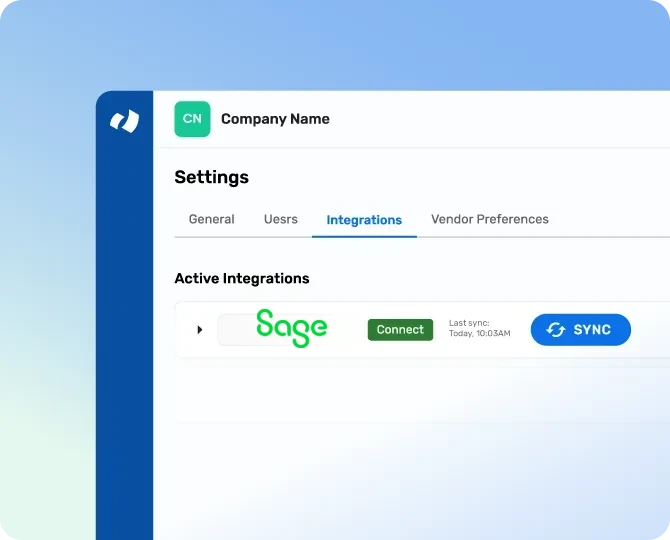
Direct Sage Business Cloud Integration
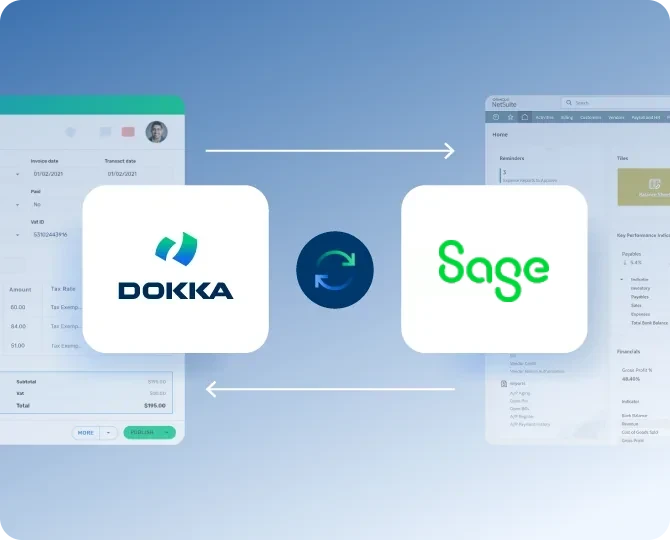
A secure API integration connects DOKKA and Sage, so you can start automating quickly.
- Secure API integration with Sage
- Add companies and team members in minutes
- Works with your existing Sage workflows
- No custom scripts, manual imports, or ERP changes
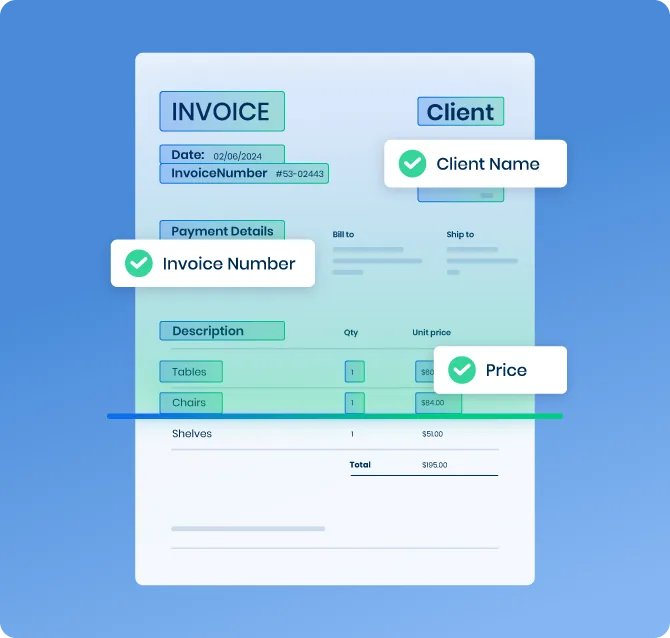
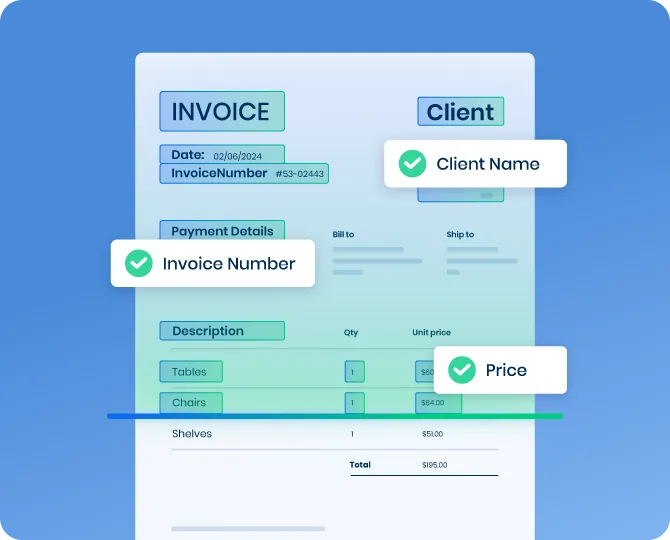
AI-Powered Invoice Capture for Sage
Capture invoices across formats, layouts, and languages.
- Capture invoices from email, scanner, mobile app, or uploads
- Process invoices in seconds instead of minutes
- Eliminate manual entry in Sage
- Maintain high accuracy across global vendors
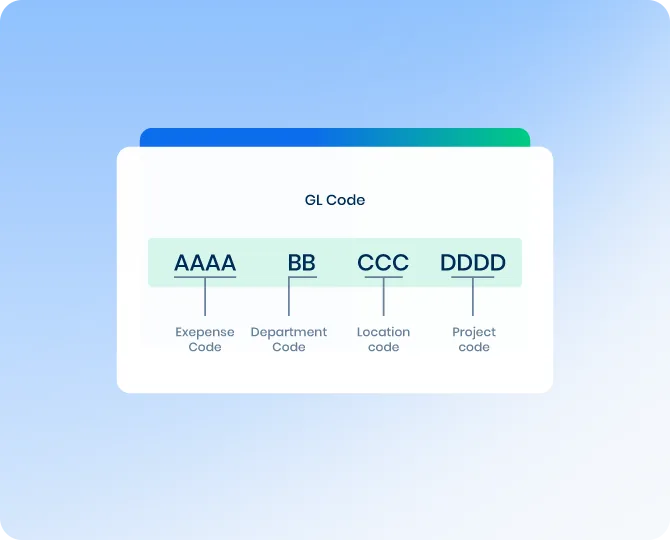
Automated GL Coding & Classification
Reduce manual coding with intelligent, AI-driven suggestions.
- Apply coding based on historical patterns and vendor behavior
- Code consistently across companies and accounts
- Reduce errors in Sage financial data
- Improve processing speed and accuracy
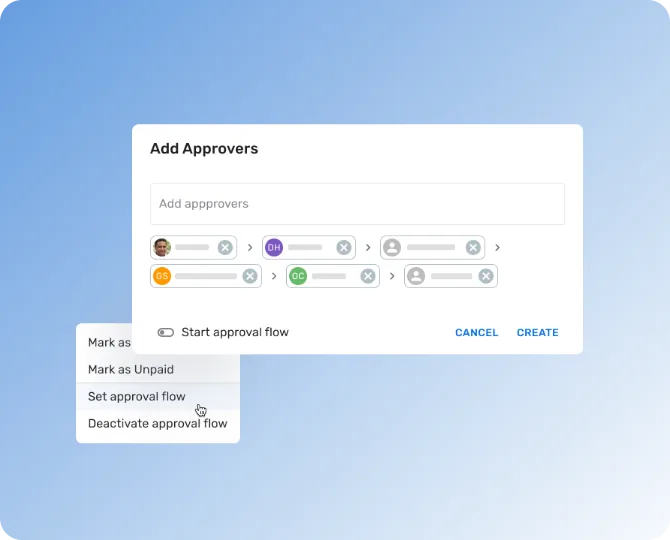
Approval Workflows for Sage
Automate invoice approvals with flexible, multi-step workflows, without scripting or IT tickets.
- Add as many approvers as you need, in the order you need
- Set custom approval rules for each vendor
- AI learns your preferences and suggests approvers
- Full visibility into approval status
Automatic Posting to Sage
Every approved transaction is created in Sage together with its invoice file.
- Create entries in Sage automatically
- Upload the invoice file with every transaction
- Trace every entry back to its source document
- Keep Sage as your single source of truth
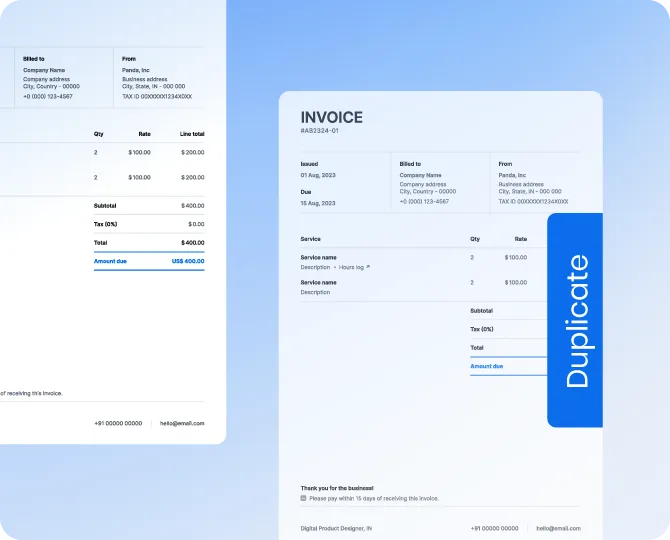
Duplicate Detection & Validation
Prevent duplicate invoices and incorrect postings before they hit Sage.
- Identify duplicate vendors and invoices automatically
- Validate data before posting to Sage
- Reduce financial risk and rework
- Improve audit readiness
How Sage AP Automation Works in DOKKA

Vendor & Accounting Data Sync
Vendors and your chart of accounts stay aligned between Sage and DOKKA.

AI Coding & Approvals
DOKKA suggests GL coding and approvers based on your history, so invoices are ready to post faster.

Companies & Entities
Add your companies in DOKKA so every invoice is coded and posted to the right entity.
Invoice Workflow
- 1Invoices are captured and processed in DOKKA
- 2GL coding and approvals are completed automatically
- 3Approved transactions are created in Sage with the invoice file attached
- 4Every entry stays traceable back to its source document
Seamless Sage Data Sync for AP Automation Workflows
DOKKA is built to support Sage environments with multiple companies, many vendors, and high-volume invoice processing.


Real Results from Finance Teams Using DOKKA
Finance teams rely on DOKKA to automate invoice processing and approvals at scale.
“DOKKA basically became another employee. But it’s a lot cheaper than a salary, that’s the benefit.”
Jarred Abelson, CFO at Weinprop Residential
“We’re all about saving time, so DOKKA allows me to save time on repetitive work and focus more on high level areas.”
Shlomi Birukov,
Staff Accountant at Firebolt
Rochelle Wu,
AP Manager at Mud Bay
Sage Business Cloud AP Automation FAQs
DOKKA connects to Sage Business Cloud through a secure API. After you review and approve an invoice in DOKKA, the transaction is created in Sage together with the invoice file.
No. DOKKA automates accounts payable on top of Sage, which stays your system of record.
Yes. You can add multiple companies and team members to your DOKKA account and process invoices for each of them.
Yes. Add as many approvers as you need, set custom rules for each vendor, and let DOKKA suggest approvers based on your history.
Most Sage teams go live within 2-4 weeks, with onboarding and training included.
DOKKA reads and understands invoices in any language and format.
Our pricing starts at USD $650/month. Unlike many of our competitors, our cost is usage-based rather than per user, so pricing depends on the number of invoices you process each month.
Stop Retyping Invoices Into Sage
Let DOKKA’s AI agents capture, code, and route every invoice, while Sage stays your system of record.