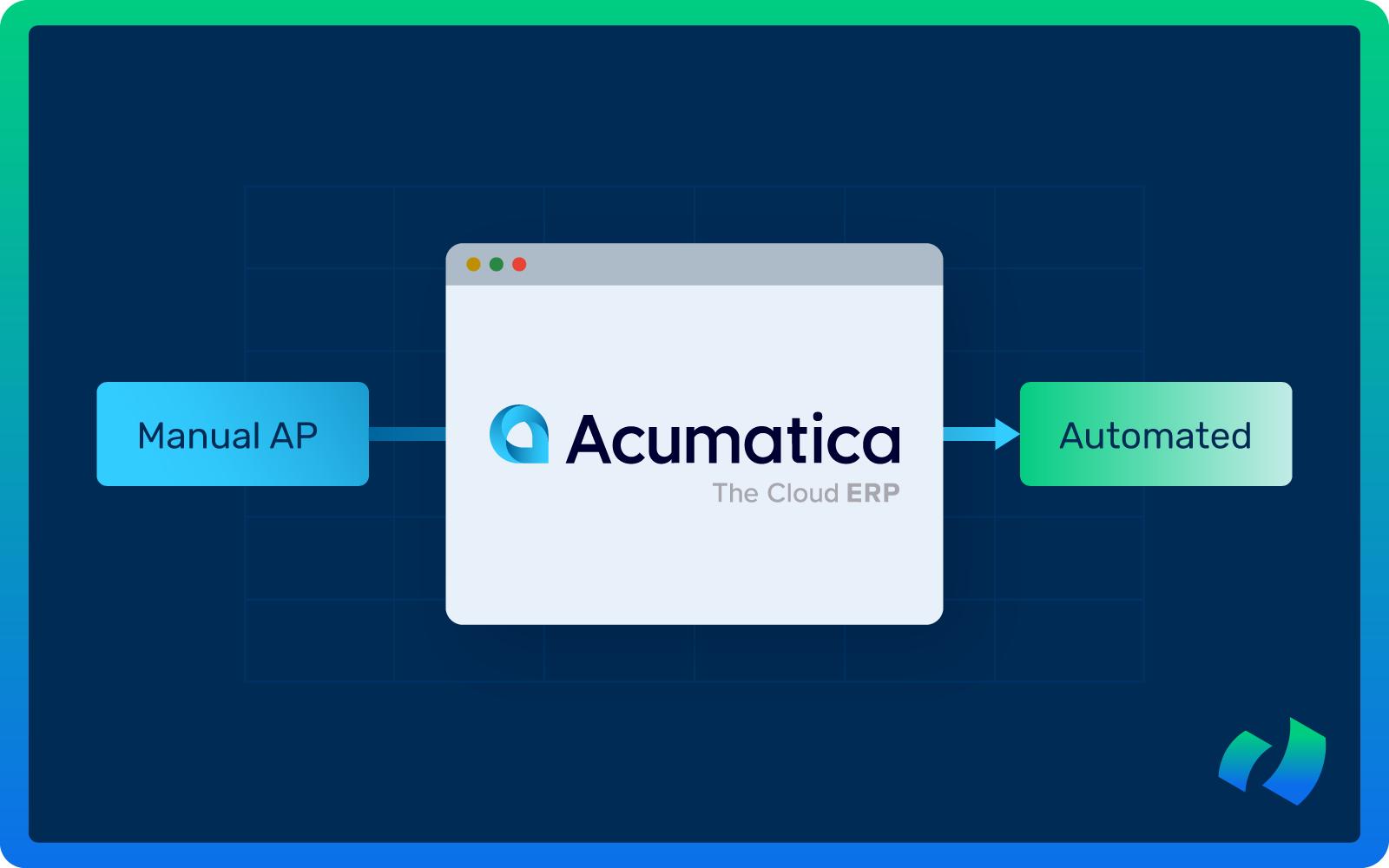
If you’re running accounts payable inside Acumatica but still relying on manual invoice entry, email-based approvals, and spreadsheet tracking, you’re not alone.
Many finance teams assume that because they have a modern ERP, their AP process is already digital. In reality, they operate a hybrid model: powerful accounting software on the back end and manual, human-driven workflows on the front end.
The result? Invoice backlogs, approval delays, duplicate payments, limited visibility into liabilities, frustrated vendors, and, of course, overwhelmed AP teams.
The good news is that you do not need a multi-year ERP transformation to fix it. With a structured approach and the right AP automation layer, you can move from manual AP to fully automated invoice processing in 60 to 90 days.
In this guide, we’ll walk you through exactly how to do it, what each phase is designed to accomplish, what to expect along the way, and how to avoid common pitfalls.
Why Manual AP Still Exists in Acumatica
Acumatica is a powerful cloud ERP with strong financial capabilities. But even with a robust ERP like Acumatica, many organizations still manage invoices manually and never fully automate the front-end invoice lifecycle.
Here is what we typically see:
- Vendors email invoices as PDFs
- An AP clerk downloads the attachments
- Data is manually entered into Acumatica
- PDFs are saved in folders or attached manually
- Approvals take place over email
- Follow-ups happen repeatedly
- Posting takes place after approval
- Reconciliation is handled manually
The ERP may be modern, but the process often isn’t.
Manual AP is expensive and inefficient, and it creates 3 structural problems:
- High cost per invoice: Labor-intensive processes drive up operational expenses. Employees spend hours entering invoice data, verifying line items, and matching POs.
- Hidden risk: Manual matching and approvals increase exposure to fraud and compliance issues. Manual entry often results in mistakes such as incorrect amounts, duplicate payments, and missed early payment discounts.
- Limited scalability: Growth often requires hiring additional AP staff.
A study conducted by the Institute of Finance & Management (IOFM) found that organizations spend an average of $15 to $20 per invoice on manual processing. With automation, that cost can fall to $2 to $3 per invoice, allowing finance teams to focus on other initiatives. And the AP automation is not only about speed, it is about building a scalable finance infrastructure that supports long-term growth.
A General Roadmap for AP Automation
Before choosing a solution, it’s helpful to understand the core phases of AP automation.
It’s all about re-engineering the workflow to be faster, more accurate, and scalable.
Each phase builds on the previous one to ensure your finance team experiences measurable improvement and avoids common pitfalls.
Phase 1: Assess Current Workflow
The first step in automation is to document exactly how invoices move through your organization today. Without that clarity, automation may target the wrong bottlenecks or overlook nuances in approvals, exceptions, and posting.
Mapping the workflow provides a baseline for measuring the impact of automation and identifying the tasks that consume the most time and resources.
During this phase, consider:
- How invoices enter the organization (email, PDF, paper)
- How many manual touches each invoice experiences
- Where delays or bottlenecks occur
- How exceptions or discrepancies are handled
At the end of this stage, you should have a clear view of the AP process and understand which steps are ready for automation. That insight is critical for designing a workflow that delivers real efficiency, faster approvals, and reduced risk.
Phase 2: Standardize Data
Automation depends on accurate and structured data. Invoices, POs, vendor records, and GL codes all need to be standardized so the system can make intelligent decisions automatically.
Inconsistent or incomplete data can result in errors, exceptions, and additional manual work. Standardizing data upfront builds a strong foundation for smooth, high-accuracy automation.
Actions to take include:
- Deduplicating vendor records to prevent payment errors
- Validating POs, invoice coding, and line-item details
- Standardizing GL accounts, departmental codes, and project allocations
- Reviewing historical invoices for completeness
Completing this step reduces exceptions downstream and allows AI-driven automation to operate efficiently from day one. Well-prepared data also improves exception handling, enabling your team to focus on strategic work instead of correcting mistakes.
Phase 3: Capture and Extract Invoice Data
Invoice capture is often the most time-consuming part of AP. This phase focuses on automating data extraction from all invoice formats, whether PDF, scanned paper, or electronic invoices. Capturing accurate data at this stage prevents downstream errors in approvals, posting, and reconciliation, while freeing AP staff to focus on higher-value activities.
Automation tools should be able to:
- Extract key fields such as vendor name, invoice number, dates, amounts, and line items
- Match invoices against POs and receipts automatically
- Flag discrepancies for review
Effective implementation reduces errors, speeds invoice processing, and creates a touchless workflow for routine invoices. It also ensures your finance team can focus on exceptions and analysis rather than repetitive typing.
Phase 4: Automate Approval Workflows
Manual approvals are a major bottleneck in AP, slowing down processing and frustrating both staff and vendors. Automating approvals ensures invoices move quickly and predictably through the organization based on rules such as invoice amount, department, project, or vendor type.
Key automation features include:
- Routing invoices automatically to the correct approver
- Auto-approving low-risk, PO-matched invoices
- Sending reminders and alerts for pending approvals
Automated approvals shorten the invoice lifecycle from days to hours, improve visibility into workflows, and reduce human error. As a result, AP teams can focus on exception management, vendor relationships, and financial planning instead of chasing signatures.
Phase 5: Post and Reconcile Automatically
Once invoices are approved, they need to be posted accurately to your ERP. Manual posting slows month-end closes and introduces errors that affect reporting. Automation ensures invoices are posted to the correct GL accounts and reconciled against POs and receipts automatically, giving finance leaders real-time visibility into liabilities and cash flow.
Automation should enable:
- Accurate general ledger posting
- Automatic reconciliation against POs and receipts
- Exception handling for mismatches
Automated posting and reconciliation make reporting faster and more accurate, help AP close the month efficiently, and allow the finance team to focus on analysis instead of corrections.
Phase 6: Monitor KPIs and Optimize
Automation is an ongoing process, and continuous monitoring ensures the system delivers its intended benefits. Tracking KPIs allows organizations to identify bottlenecks, refine rules, and optimize performance over time.
Key metrics to track include:
- Average invoice processing time
- Touchless invoice rate
- Frequency of exceptions
- Cost per invoice
- Discounts captured
Monitoring KPIs enables AP teams to make data-driven decisions that improve efficiency and ROI. Ongoing optimization ensures automation scales with your organization and strengthens AP as a strategic function.
How DOKKA’s AP Automation Fits Into Acumatica
DOKKA is an AI-powered AP automation solution designed to accelerate every stage of the framework:
Assessment and Data Standardization
Quickly identifies gaps and ensures vendor and PO data are prepared for automation. DOKKA highlights inconsistencies, duplicate vendors, or incomplete records that could impact processing accuracy. Early visibility allows finance teams to resolve data issues proactively, ensuring smoother automation and fewer exceptions once the system is live.
Invoice Capture
Extracts invoice data automatically, including line items, vendor information, and PO references. Using advanced AI and machine learning, DOKKA reads invoices in multiple formats and continuously improves accuracy over time.
Validation
Matches invoices against POs and receipts in Acumatica and flags discrepancies instantly. Instead of discovering mismatches during month-end reconciliation, discrepancies are surfaced immediately for review. Real-time validation strengthens internal controls and prevents overpayments, duplicate payments, or approval of incorrect invoices.
Approval Workflows
Routes invoices digitally based on predefined rules, allowing approvers to sign off on desktop or mobile. Approval thresholds, department logic, and project-based routing ensure invoices reach the right stakeholder automatically. Automated reminders and full visibility into approval status eliminate bottlenecks and reduce the need for AP teams to chase signatures.
ERP Posting
Approved invoices post directly into Acumatica with minimal manual intervention. All relevant coding, attachments, and approval history sync seamlessly, preserving a complete audit trail. Accurate financial reporting is maintained while reducing the workload typically associated with manual posting and reconciliation.
Monitoring
Real-time dashboards track cycle times, exceptions, and cost savings. Finance leaders gain immediate visibility into KPIs such as touchless invoice rates and average processing time. Data-driven insights support continuous optimization and help quantify the ROI of AP automation over time.
Combining a structured AP automation framework with a solution like DOKKA brings visible benefits:
- Reduced manual data entry and errors
- Faster invoice approvals
- Touchless posting to Acumatica
- Greater visibility into cash flow and liabilities
- Rapid ROI within a short timeframe
DOKKA is built for speed and minimal IT involvement, enabling your AP team to see measurable results quickly.
Go Live in Just 2 Weeks!
Fast onboarding and native integrations are key advantages of DOKKA. Most clients go live in just two weeks through a simple process:
- Integration Setup (15 minutes): Connect DOKKA to Acumatica quickly without complex IT work.
- Pre-Training Meeting (45 minutes): Prepare the finance team with an overview of workflows, KPIs, and exception management.
- Training Session (90 minutes): Hands-on training for AP staff and approvers.
- Follow-Up (30 minutes per session): Review early usage, answer questions, and ensure the system is fully operational.
Within two weeks, your organization can transition from manual invoice processing to a fully automated AP workflow.
Curious to see DOKKA in action? Book a free demo call with our team.